
Naya Talent Library
A private, invite-only casting hub and writer submission portal built for Sakkti Digital Media's Naya micro-drama slate.
Project Introduction
Naya Talent Library replaces scattered spreadsheets, chat messages and shared drives with one secure place where the casting team can find actors, review their photos and availability, and read writers' scripts.
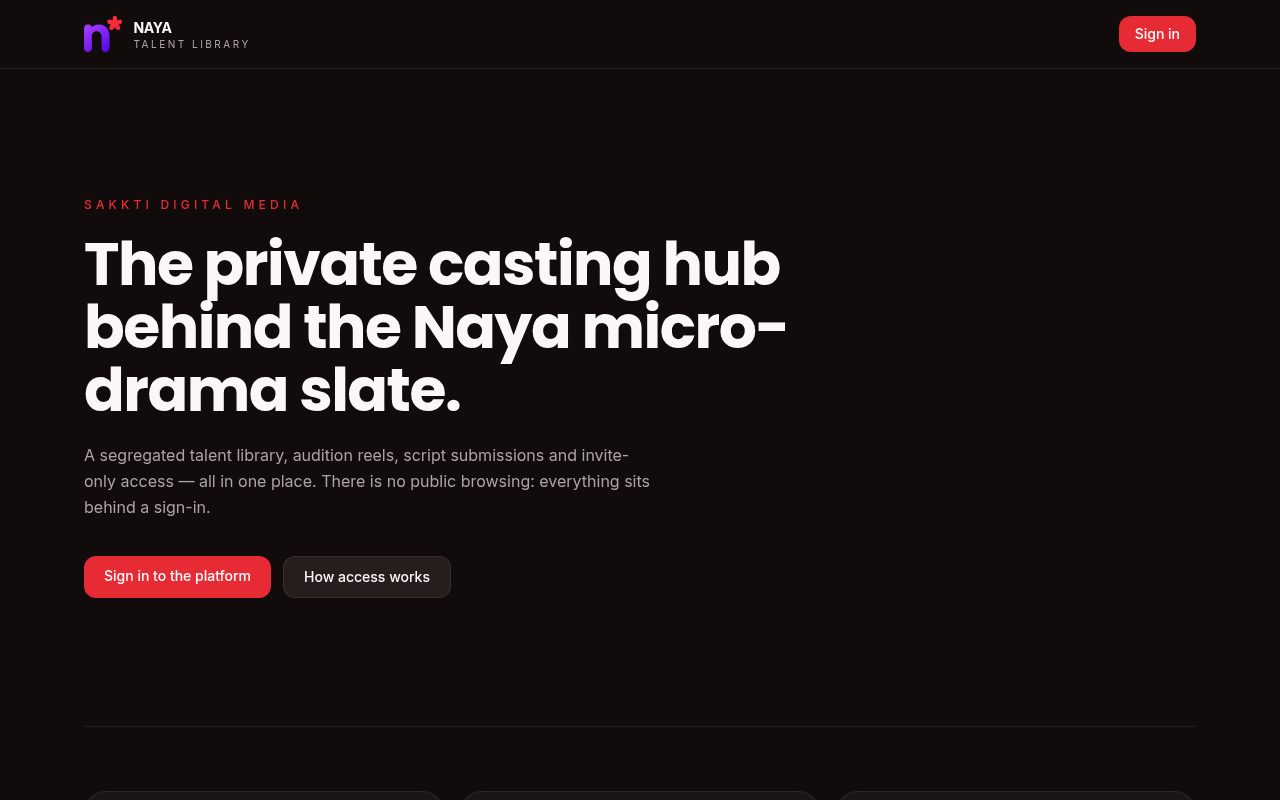
Nothing is publicly browsable. Visitors see a simple landing page with a sign-in button; everything else sits behind an account. Talent and writers join only through private invite links shared by the team.
Project Objectives
Profiles, photos and contact details are visible only to approved team members.
Search and filter the library, see shortlist status and shoot availability on one profile.
An invite link lets an actor create an account and maintain their own profile and photos.
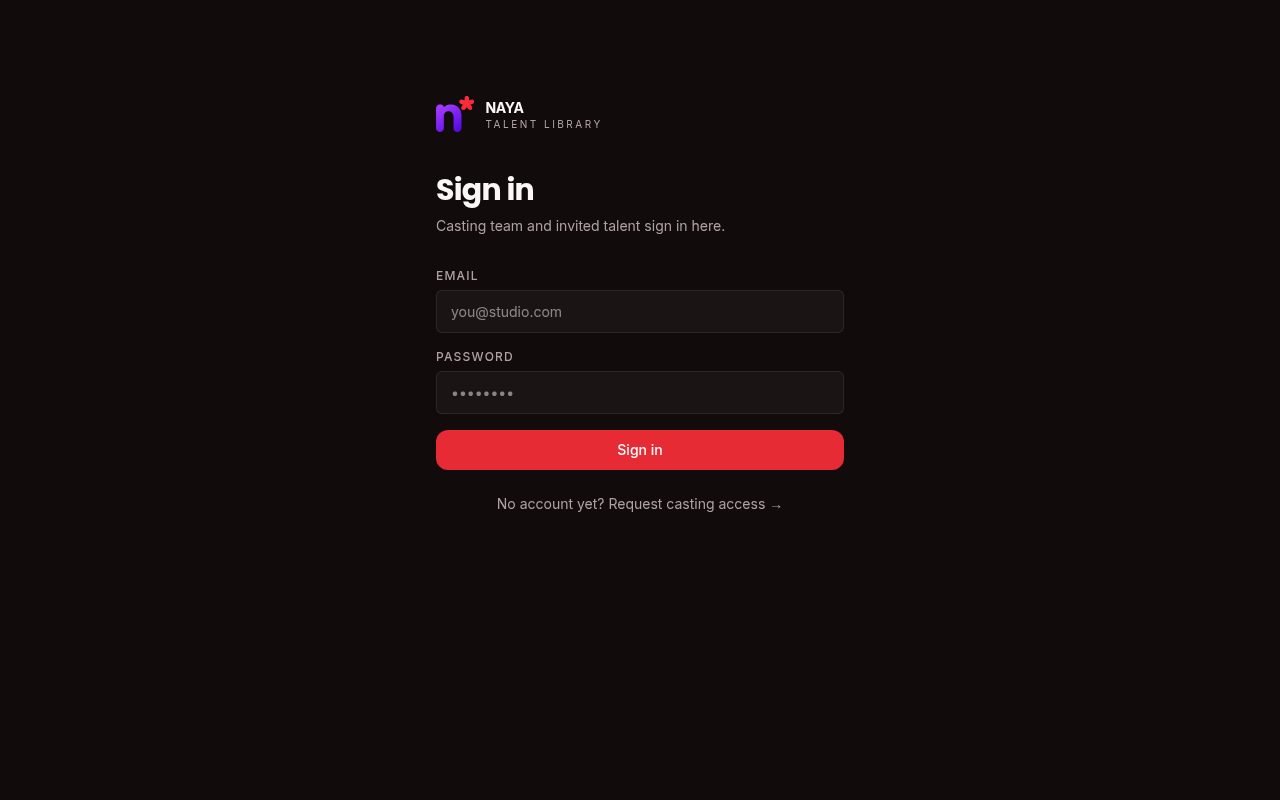
New team members request access; a super admin approves or rejects them.
Key Features
Browse all artists in a photo grid and filter by gender, language and more.
Photos, audition reel, bio, metrics, contact details and project history.
Calendar showing the dates an artist is available to shoot.
Shows which admin shortlisted the artist, for which series and character.
Index of writer submissions with a dedicated script reader page.
Generate private links for talent and writers to join and submit.
Talent update their own profile, photos and available dates.
Super admins approve or reject new team-member access requests.
No public browsing; every internal page requires an account.
Detailed Feature Explanations
Casting Dashboard
Admin- ▸Grid of artist cards with headshots
- ▸Filters to narrow the library
- ▸Click through to a full profile
Artist Profile
Admin- ▸Shortlist box: admin, series name, character name
- ▸Contact details: email, phone, agent, Instagram
- ▸Availability calendar of shoot dates
- ▸Edit profile inline, including date of birth (age updates automatically)
- ▸Archive with confirmation
Add Artist (manual upload)
Admin- ▸Admins add talent on their behalf
- ▸Date of birth collected instead of age
- ▸Saved straight to the database
Invite Links
Admin- ▸Create links for talent or writers
- ▸Unique token per link at /invite/…
- ▸Copy and share with a specific person
My Submission
Talent- ▸Date of birth, screen age range, day rate, experience
- ▸Multi-date calendar for availability
- ▸Upload photos from device or paste Google Drive links
- ▸Clear 'Your details have been saved' confirmation
Scripts & Reader
Admin / Writer- ▸List of submitted scripts
- ▸Dedicated page to read each script
Access Approvals
Super admin- ▸Queue of pending access requests
- ▸Approve or reject in one click
- ▸Only visible to super admins
Step-by-Step User Workflows
A · Casting team member
- 1
Open the site and click Sign in
- 2
Request access; a super admin approves
- 3
Browse and filter the casting dashboard
- 4
Open a profile to check shortlist, contact and dates
B · Inviting a talent
- 1
Admin creates a talent invite link
- 2
Link is shared with the actor
- 3
Actor opens the link and creates an account
- 4
Actor fills in details, uploads photos and saves
C · Adding talent on their behalf
- 1
Admin opens Add Artist
- 2
Enters details and date of birth
- 3
Profile appears on the dashboard
- 4
Admin can edit or archive it later
Visual Previews
The first two images are real screenshots. The internal screens require sign-in and are shown as faithful layout previews of the actual pages.
Technology Stack
| Framework | TanStack Start v1 | Full-stack React framework with server rendering and server functions |
| UI library | React 19 | Component-based interface |
| Routing & data | TanStack Router · Query | Type-safe pages and cached data loading |
| Styling | Tailwind CSS v4 | Design tokens and responsive layouts |
| Components | Radix UI · shadcn/ui | Accessible dialogs, calendars, inputs |
| Calendar | react-day-picker | Multi-date availability selection |
| Notifications | Sonner | Save confirmation pop-ups |
| Backend | Lovable Cloud | Authentication, Postgres database with row-level security, private file storage |
| Build & hosting | Vite 7 · Edge runtime | Fast builds, deployed to the edge |
How the System Works
Every request checks the user's role (super admin, admin, talent). Database rules also enforce this, so data can't be read even by calling the backend directly.
Each link carries a unique token. When someone opens it, they create an account and are linked to a new talent profile they own.
Uploaded headshots go to a private storage bucket (25 MB limit) and are shown through short-lived signed links. Google Drive links are converted to viewable thumbnails.
The very first account becomes super admin. Everyone else who signs up joins an approval queue until a super admin grants access.
Future Enhancements
Proposed — not yet built
Notify admins of new submissions and talent when they are shortlisted.
Group shortlisted talent by series and character for side-by-side comparison.
Book audition slots directly against each artist's availability calendar.
Export casting shortlists as PDF lookbooks for directors and producers.